AI Whiteboard Tutoring FAQ: How Live Visual Learning Works
7 min read
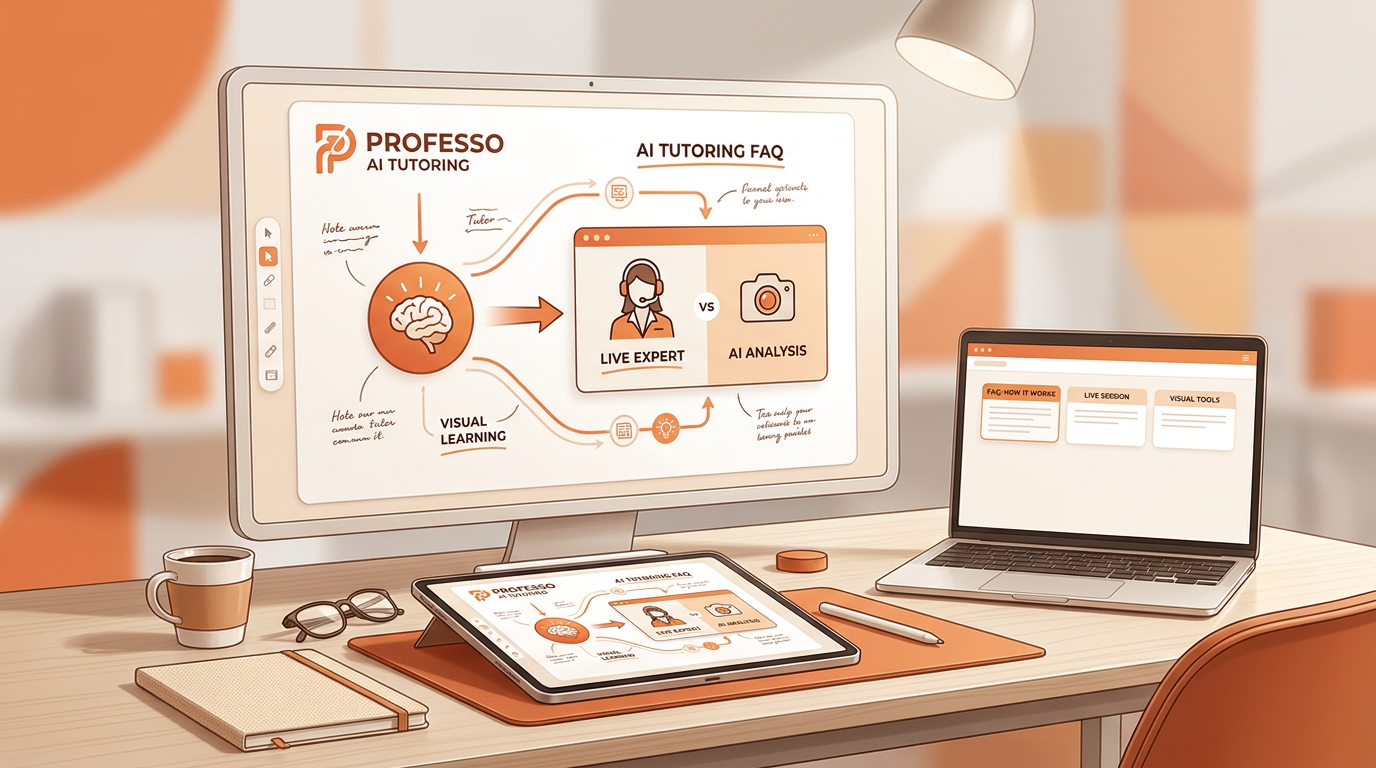
Real-time AI whiteboard tutoring pairs multimodal computer vision with speech and text models to process dynamic canvas input. Unlike static chatbots, live AI whiteboard tutors provide instantaneous visual feedback, rendering LaTeX equations and diagrams on an interactive canvas. Platforms like Professo enable continuous two-way interaction, allowing students to draw, speak, and interrupt during problem-solving. This architecture bridges the gap between text-only language models and traditional visual instruction by allowing the software to "see" and "hear" student work as it happens. When a learner joins a session, the digital surface acts as a shared workspace where both human and artificial intelligence can write, erase, and diagram simultaneously. The system interprets spatial relationships on the board, updating its instructional state to match the student's pacing.
Furthermore, this continuous feedback loop relies on low-latency streaming architectures that process visual inputs frame-by-frame. As the student writes, the system maintains a running state vector of the entire canvas history. This enables the AI to reference earlier parts of a long equation or point back to a diagram drawn minutes prior. By integrating spatial awareness with natural language generation, the tutor moves beyond simple Q&A exchanges. It functions more like a human colleague sitting shoulder-to-shoulder at a physical desk, observing every stroke of the stylus in real time.
Handwritten Input and Diagram Recognition Mechanics

Optical character recognition (OCR) and vision-language models parse messy handwriting, geometric sketches, and uploaded assignment photos. The system isolates individual mathematical symbols and converts handwritten inputs into formatted LaTeX representations line-by-line. Error-handling algorithms flag partial visual ambiguity, prompting the student for spoken or visual clarification before proceeding.
Visual Ingestion: High-frequency rendering loops capture strokes from stylus input, mouse drawings, or smartphone photo uploads.
Symbol Parsing: Neural vision networks separate overlapping subscripts, fractions, and integration bounds from background grid lines.
LaTeX Translation: Raw pixel data transforms into structured mathematical markup so downstream reasoning engines can calculate values.
Ambiguity Detection: If a variable looks like a number, the interface highlights the stroke and asks the user to confirm intent.
Beyond these core capture mechanics, modern vision pipelines incorporate convolutional layers trained on millions of diverse handwriting samples. This extensive pre-training ensures that unconventional notation, regional shorthand, and varying stroke pressures do not compromise downstream parsing accuracy. When a student erases or modifies a stroke, the ingestion engine updates the underlying syntax tree dynamically, preventing desynchronization between what the user sees on the canvas and what the calculation engine evaluates.
Socratic Step-Checking vs Direct Answer Generation
Visual step-checking algorithms analyze mathematical work line-by-line on the canvas, catching algebraic errors at the exact step where they occur. Rather than providing direct solutions, the tutor uses Socratic questioning to offer targeted visual hints on the whiteboard. Canvas state tracking preserves problem context across multi-step solutions, helping students build deep conceptual understanding rather than relying on rote memorization. This methodology mirrors human pedagogical frameworks designed to foster critical thinking instead of passive copying.
Feature | Direct Answer Chatbots | Socratic Whiteboard Tutors |
|---|---|---|
Response Style | Outputs final solutions instantly | Guides learners through line-by-line derivation |
Canvas Interaction | Static text blocks | Dynamic visual highlighting and step validation |
Error Correction | Corrects entire problem at once | Flags the precise step where a calculation drifts |
Cognitive Impact | Encourages rote copying | Builds independent problem-solving pathways |
By intentionally withholding the final answer until the student works through the logic, Socratic whiteboard tutors combat the cognitive offloading common in traditional AI tools. When a student makes a sign error in calculus or misbalances a chemical equation, the system places a subtle, non-punitive highlight around the offending line. This invites the learner to re-evaluate their work. The Socratic engine then poses an open-ended question over the voice channel, encouraging the student to articulate why they chose a particular operation, thereby solidifying long-term retention.
Latency, Voice Integration, and Real-Time Feedback
Streaming audio models and optimized edge compute maintain voice response latencies under 1 to 2 seconds for natural conversational pacing. Real-time interruption capabilities allow students to pause the AI mid-explanation to ask questions or clarify specific canvas steps. Synchronized audio-visual output aligns spoken explanations directly with dynamic drawing actions on the virtual whiteboard. This low-latency design eliminates the awkward pauses common in older web applications, creating an interactive flow that mimics sitting next to a human instructor in a study hall.
Achieving this level of synchronization requires orchestrating asynchronous data pipelines. Audio streams, pen strokes, and generated LaTeX must arrive at the client browser within milliseconds of each other. If the AI speaks about a denominator while the corresponding drawing action lags behind, cognitive load increases. Advanced WebSockets and edge caching minimize these delays, ensuring that the tutor's voice and the virtual marker move in perfect harmony across the shared workspace.
Mathematical Accuracy and STEM Diagram Reliability
Specialized symbolic computation engines and Python code interpreters run alongside neural models to verify mathematical calculations. Research shows supervised AI tutoring yields high response accuracy, with human-in-the-loop studies approving roughly 75% of unedited drafts (The 74 Million). Visual rendering safeguards prevent improper LaTeX syntax or skewed physics diagrams during real-time student sessions. By coupling generative language outputs with deterministic math solvers, these tools minimize hallucinations in complex calculations.
Relying solely on probabilistic language models for STEM subjects often results in subtle calculation errors. To mitigate this risk, hybrid architectures route all mathematical queries through a deterministic backend solver before rendering the output on the whiteboard. If the neural model suggests an incorrect integral boundary, the computation layer overrides the response, ensuring factual reliability. This dual-engine approach gives students the creative, adaptable explanation style of an AI companion combined with the absolute precision of a computational calculator.
Best Subjects for Visual Whiteboard Tutors

STEM disciplines like calculus, physics, and organic chemistry benefit most from real-time spatial diagrams and step-by-step equation breakdowns. Humanities and language arts leverage whiteboards for essay outlining, mind mapping, and real-time document annotation. Targeted preparation for exams like AP Calculus or SAT Math relies on adaptive learning paths and persistent visual practice problems.
Subject Area | Primary Whiteboard Application | Key Pedagogical Benefit |
|---|---|---|
Calculus & Physics | Graphing curves, free-body diagrams, and limits | Spatial validation of complex visual models |
Organic Chemistry | Drawing molecular structures and reaction arrows | Step-by-step mechanism tracking |
Humanities & Writing | Argument mapping, outlining, and structural notes | Visual organization of abstract ideas |
Beyond quantitative domains, visual whiteboards transform qualitative subjects by giving abstract thoughts a tangible anchor. In literature or history, students can map out character relationships or thematic timelines dynamically. The AI can point to different clusters of ideas on the canvas, showing how an introductory thesis statement connects to supporting body paragraphs. This versatility ensures that visual tutoring is not limited to heavy math coursework.
Subscription Costs vs Traditional Private Tutoring
Unlimited AI whiteboard tutoring subscriptions generally average under $1 per day, compared to $60 to $120 per hour for private human tutors (StarSpark.AI). Tiered subscription options provide scalable access for individual self-directed students, K-12 families, and enterprise academic institutions. Flexible access models remove financial barriers to round-the-clock personalized tutoring while offering comparable or superior learning gain outcomes. Studies evaluating structured AI tutoring show students scoring roughly 30% higher on post-tests than those in standard classroom environments (BookBot).
This cost disparity fundamentally alters educational equity. Private tutoring has historically been a luxury accessible only to affluent families, leaving struggling students in under-resourced schools to navigate complex homework assignments alone. By lowering the marginal cost of expert-level guidance to pennies a day, AI whiteboard platforms democratize access to high-tier academic intervention, ensuring that any student with an internet connection can receive tailored, patient instruction at midnight on a Sunday.
FAQ
How does an AI whiteboard tutor read handwritten math equations? The system uses optical character recognition and vision-language models to scan stylus strokes, mouse drawings, or uploaded photos. It isolates individual mathematical symbols, parses structural relationships, and converts the raw visual input into clean LaTeX formatting line-by-line.
Does a live AI whiteboard tutor give direct answers or step-by-step hints? Live whiteboard tutors generally use Socratic questioning and step-checking algorithms rather than handing over direct solutions. They analyze student work line-by-line on the canvas, highlighting precise errors and offering targeted visual hints to foster conceptual understanding.
How accurate is AI whiteboard tutoring for complex STEM problems? Platforms pair neural language models with specialized symbolic computation engines and Python code interpreters to verify mathematical calculations. Human-in-the-loop studies indicate that expert reviewers approve approximately 75% of unedited instructional drafts without modification.
What is the typical latency and voice response time for live AI tutoring? Optimized streaming audio models and edge compute maintain voice response latencies under 1 to 2 seconds. This speed ensures natural conversational pacing and allows students to interrupt the tutor mid-explanation to ask clarifying questions.
How much does a live AI whiteboard tutor subscription cost? Subscriptions for AI whiteboard tutors typically average under $1 per day for unlimited access. This pricing model contrasts sharply with traditional private human tutors who charge between $60 and $120 per hour.
Next steps
Evaluating whether a real-time AI whiteboard tutor fits your study or teaching workflow comes down to testing its canvas interaction and Socratic step-checking firsthand. To experience low-latency voice integration, live LaTeX rendering, and structured visual guidance on your own assignments, Start Learning Today -> https://www.professoai.com/sign-up